릴리즈 3.0.0 이상
에디터에 컨텐츠가 없는 경우 특정 안내 페이지를 보여 줄 수 있습니다.
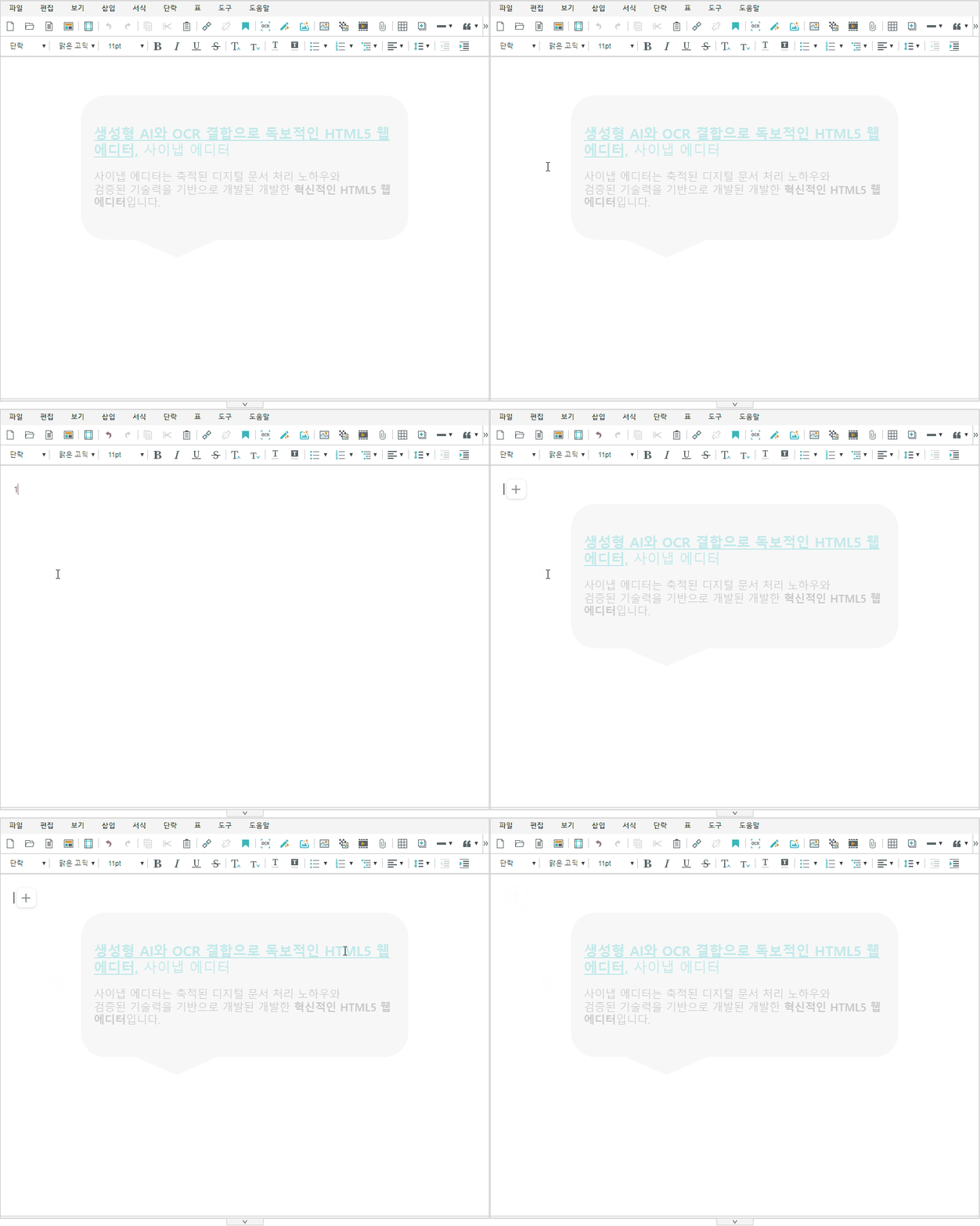
사용방법
플러그인 파일 불러오기
<!-- SynapEditor 객체가 존재해야 적용할 수 있기 때문에 에디터 스크립트 파일 아래에 include 해야 합니다 -->
<script src="placeholder.min.js의 url"></script>
플러그인 설정하기
mathType 설정하기
window.WirisPlugin.GenericIntegration 객체 초기화시 사용할 properties를 설정합니다.
synapeditor.config.js
//...
'placeholder.config': {
    'html': '<p>Hello Editor!!</p>', // HTML을 문자열 형태로 지정
    'opacity': false // default: true. placeholder에 투명도가 적용되게 할지 여부
}
// ...