| Key | Type | Description | |
|---|---|---|---|
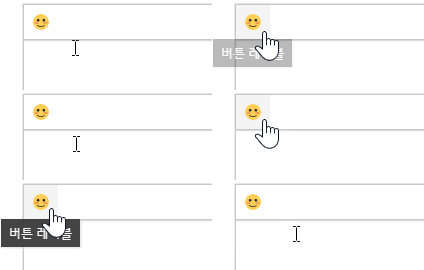
| name | String | Set the name of the button. The name of the button must be unique and must be set as required.
| |
| label | String | The label of the button. Shown as a tool tip.
| |
| type | String | The type of button.
| |
| iconSVG | String | The SVG tag or IMG tag for the icon to be shown on the button.
| |
| iconName | String | The name of the icon to be displayed on the button.
|
| Key | Type | Description | |
|---|---|---|---|
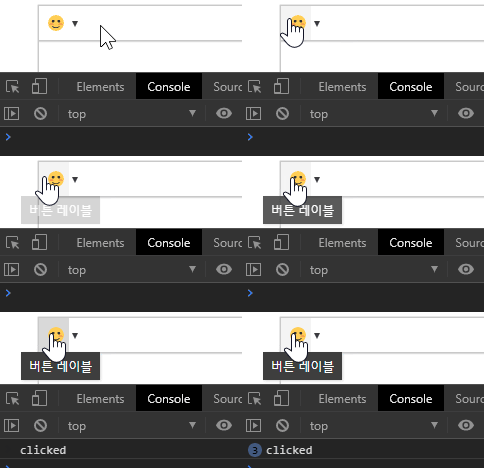
| onClickFunc | Function | The action to perform when you click the button.
|
| Key | Type | Description | |||||
|---|---|---|---|---|---|---|---|
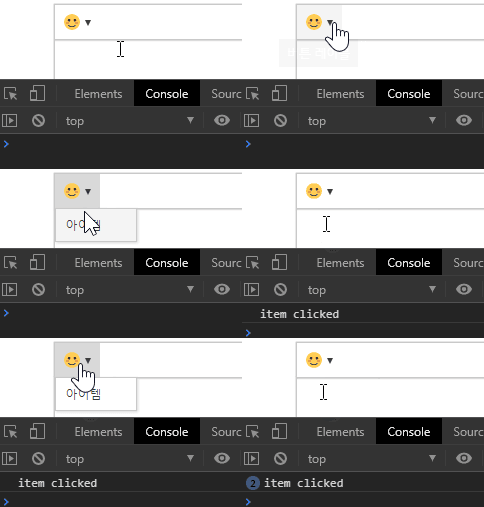
| onClickFunc | Function | The action to perform when you click the drop-down; if the drop-down is a split button (isSingle: verse) it will operate when you click the first button.
| |||||
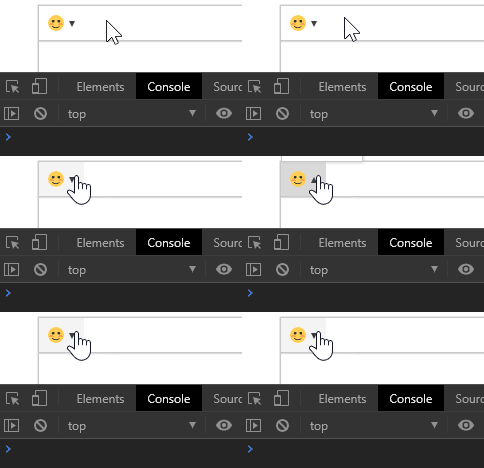
| isSingle | Boolean | Set whether to use the dropdown as a single button or a split button. (Default: true)
| |||||
| useIcon | Boolean | Whether to use the dropdown as an icon button or a text button. (Default: false)
| |||||
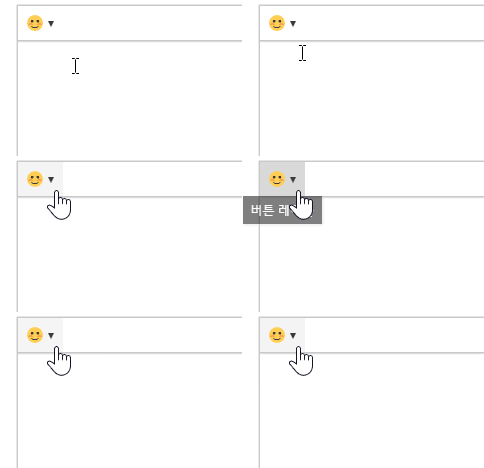
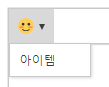
| dropdownItems | Object[] | Sets the list of items in the drop-down.
|
| Key | Type | Description | |
|---|---|---|---|
| label | String | The drop-down item label.
| |
| onClickFunc | Function | The action to perform when you click a drop-down item.
| |
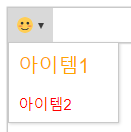
| cssText | String | The CSS text to render the dropdown item.
|