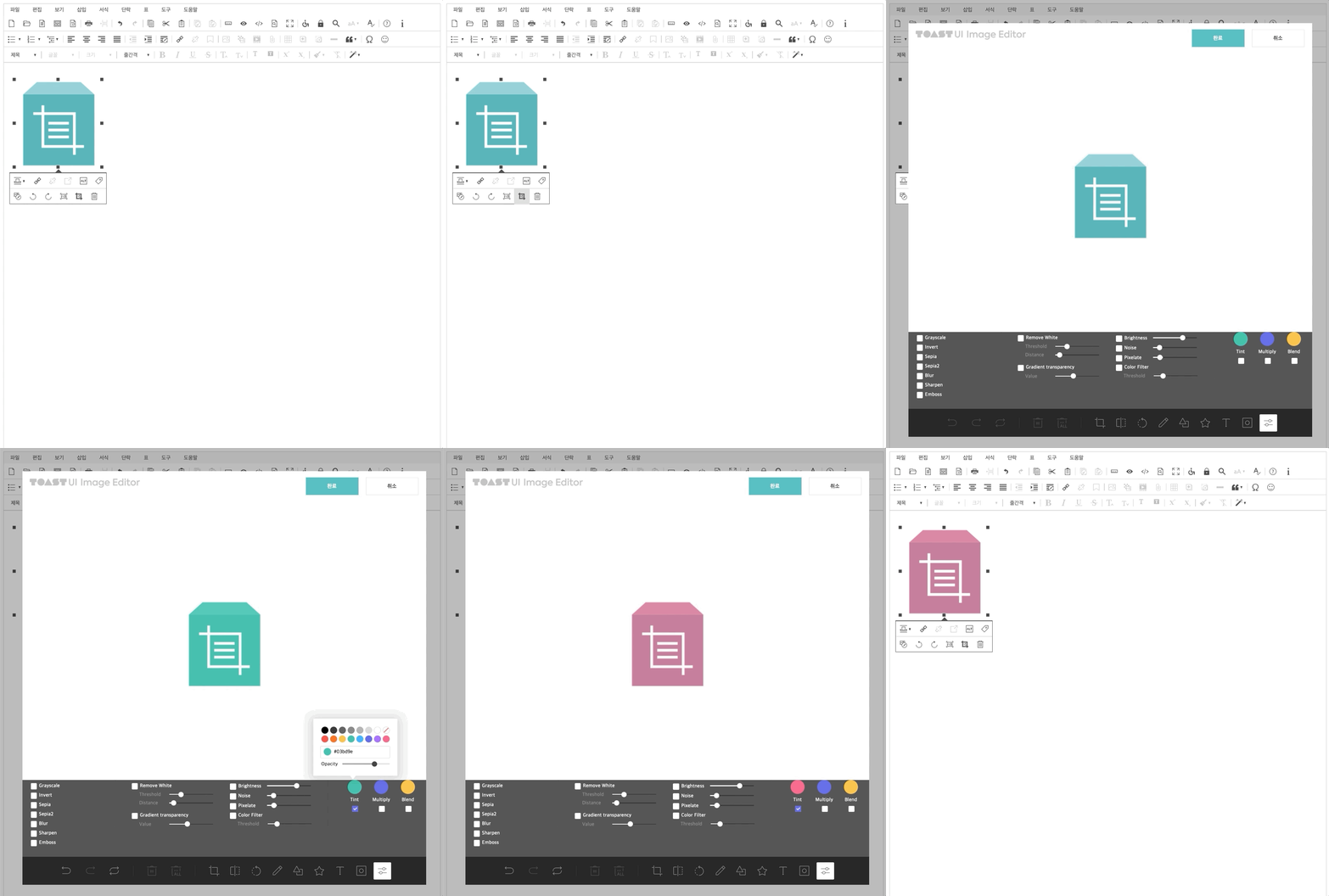
TOAST UI에서 제공하는 Image-editor를 이용하여 사이냅에디터에서 이미지를 편집할 수 있도록 만드는 플러그인입니다.
<!-- SynapEditor 객체가 존재해야 적용할 수 있기 때문에 에디터 스크립트 파일 아래에 include 해야 합니다 --> <script src="tuiImageEditor.min.js의 url"></script> <link rel="stylesheet" href="tuiImageEditor.min.css의 url"> |
플러그인 이름인 'tuiImageEditor'을 사용하여 툴바 영역, 메뉴 영역에 버튼을 추가할 수 있습니다.
//... 'editor.toolbar': [ //..., 'tuiImageEditor', //... ], // ... |
//...
'editor.balloon': {
	//...
	'image': [
		//...
		'tuiImageEditor',
		//...
	],
	//...
}
//... |
//...
'editor.menu.definition': {
	//...,
	'tools': [
		//...,
		'tuiImageEditor',
		//...
	],
	//...
},
//... |
이미지 에디터의 메뉴가 나타날 위치를 설정합니다.
//...
'tuiImageEditor.config': {
    'menuBarPosition': 'bottom'  // 'left', 'right', 기본 값: 'bottom'
}
// ... |
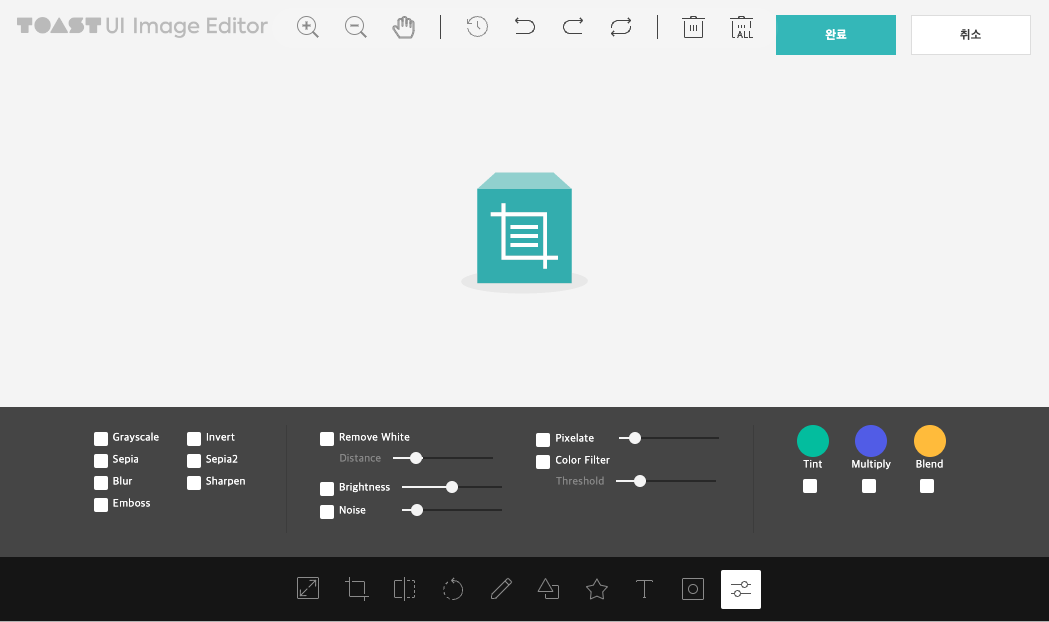
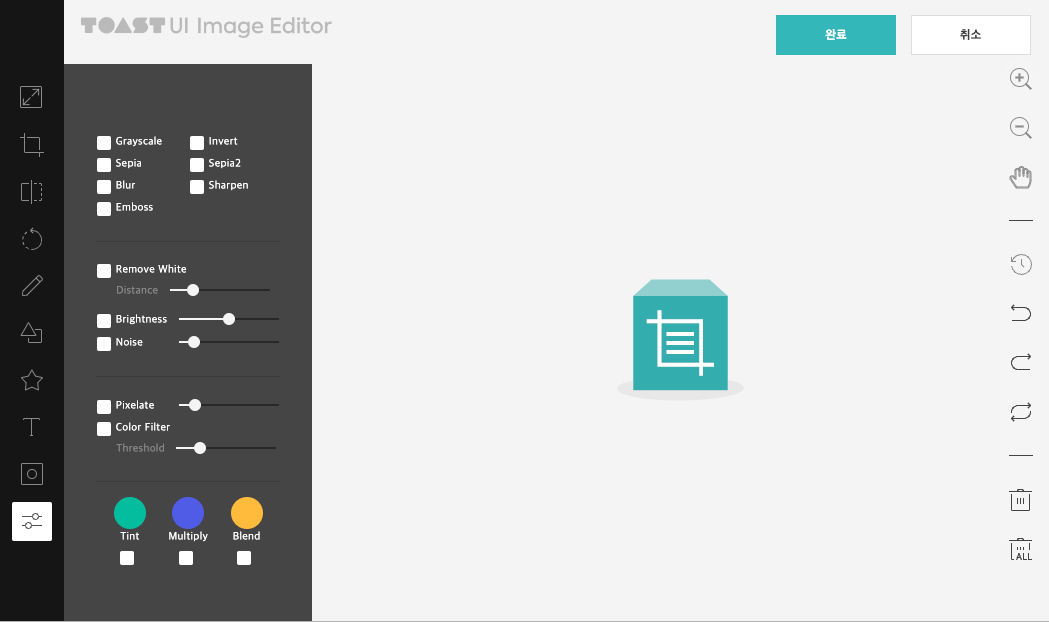
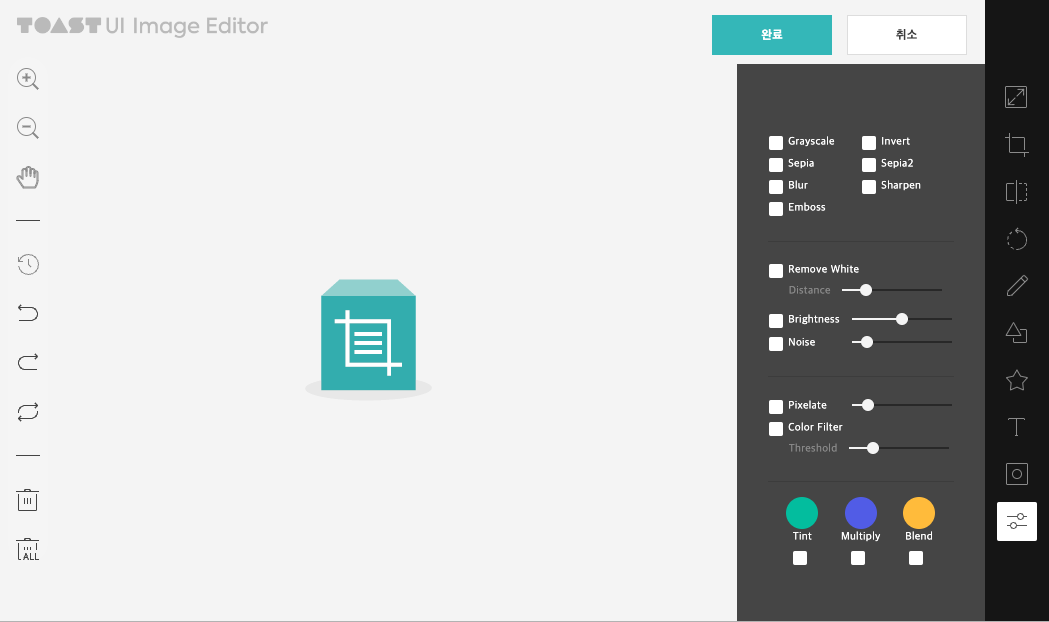
| menuBarPosition: 'bottom' (기본 값) | menuBarPosition: 'left' | menuBarPosition: 'right' |
|---|---|---|
|
|
|