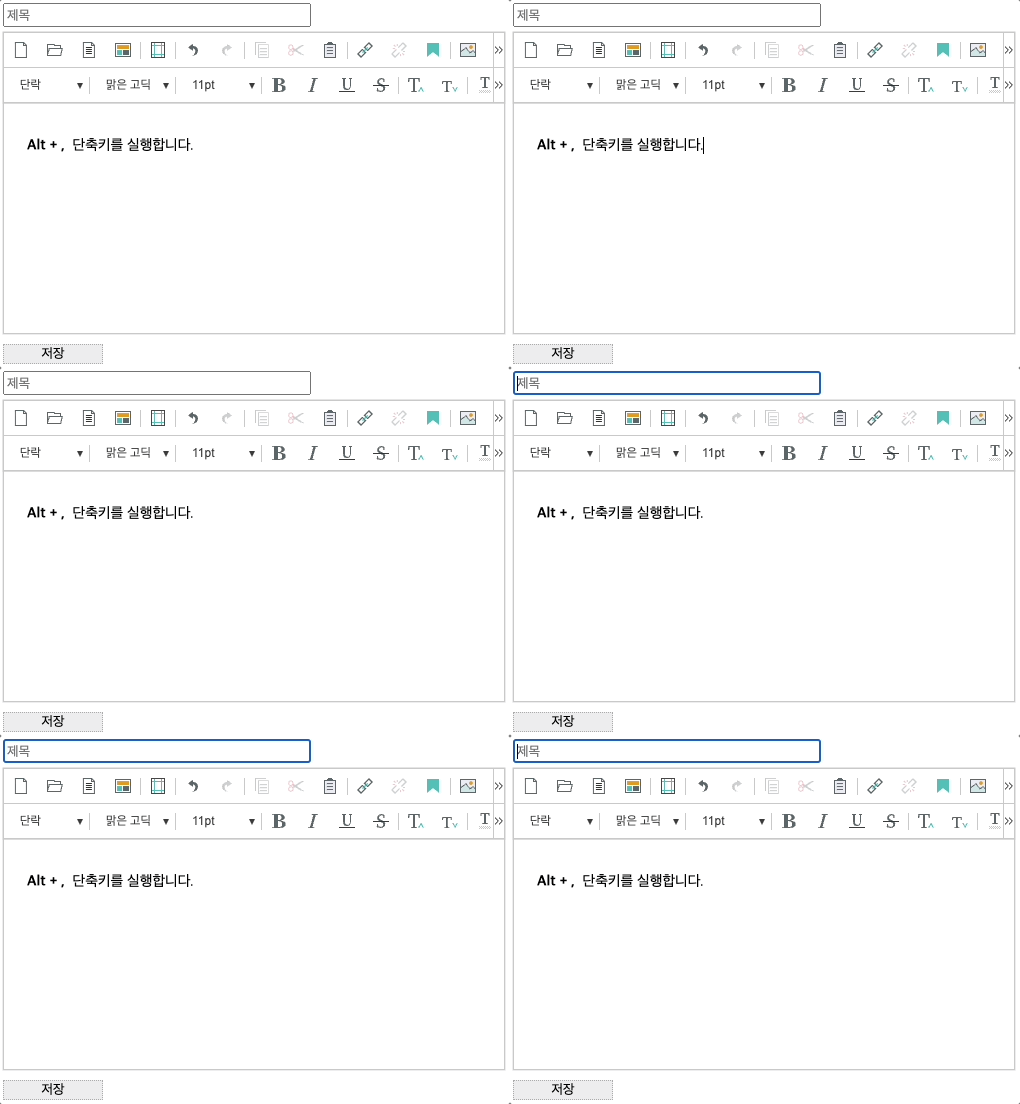
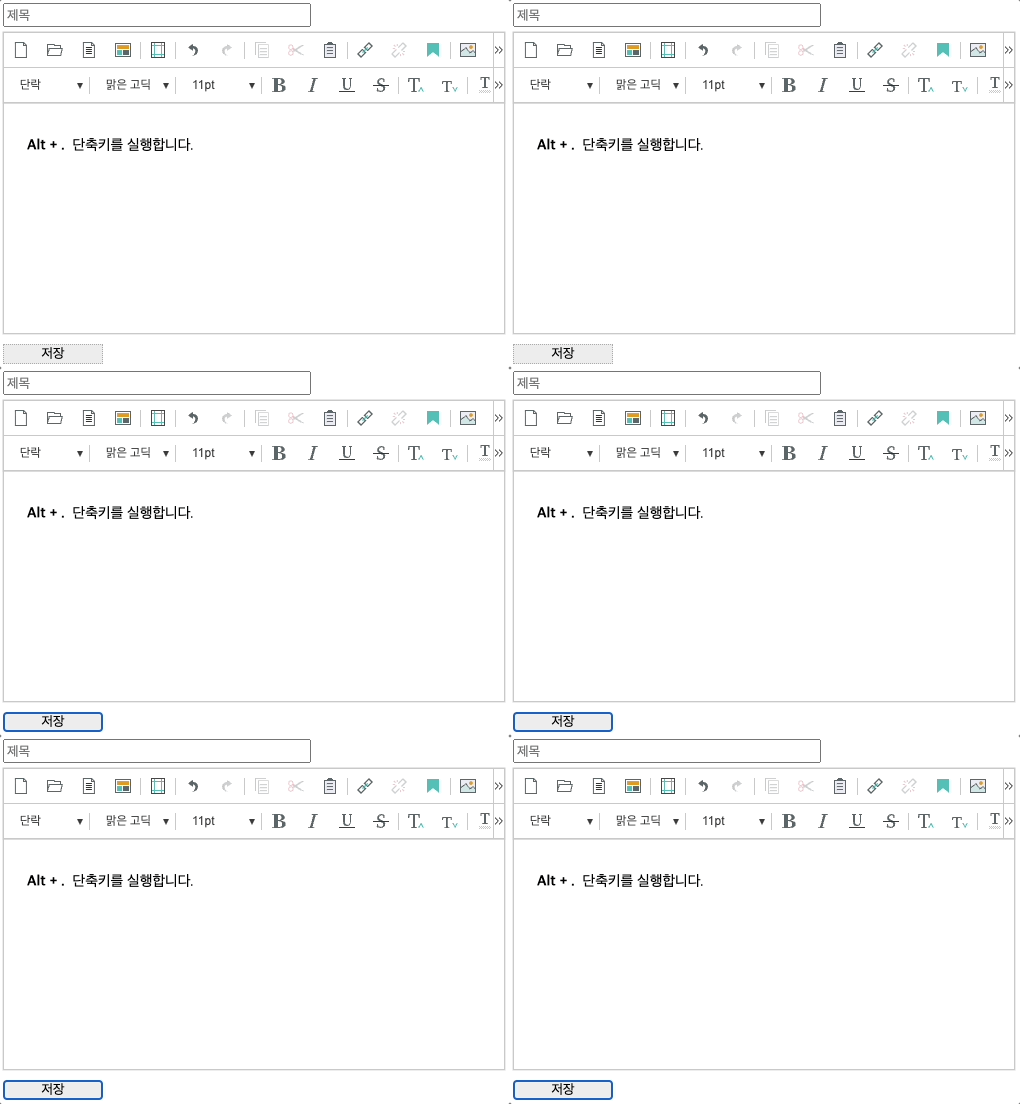
에디터 편집 중 Alt + , 또는 Alt + . 단축키를 실행해 에디터 내에서 포커스를 제거했을 때,
에디터 이전 또는 다음에 포커스가 이동되어야 할 Element가 있다면, 해당 Element의 셀렉터를 설정해 해당 위치로 포커스가 이동 되도록 합니다.
셀렉터를 설정 하지 않으면 에디터에서 포커스만 제거됩니다.
const synapEditorConfig = {
	...
	'editor.removeFocus.prev.selector': '',
	...
}; |
const synapEditorConfig = {
	...
	'editor.removeFocus.next.selector': '',
	...
}; |
const synapEditorConfig = {
	'editor.removeFocus.prev.selector': '#titleInput',
    'editor.removeFocus.next.selector': '#saveButton',
}; |
| Alt + , 단축키 실행 | Alt + . 단축키 실행 |
|---|---|
| 설정한 셀렉터인 제목 input 박스로 포커스가 이동됩니다. | 설정한 셀렉터인 저장 버튼으로 포커스가 이동됩니다. |
|
|