getModelDiffHTML
Release 2.18.2406 and above, Release 3.0.2406 and above.
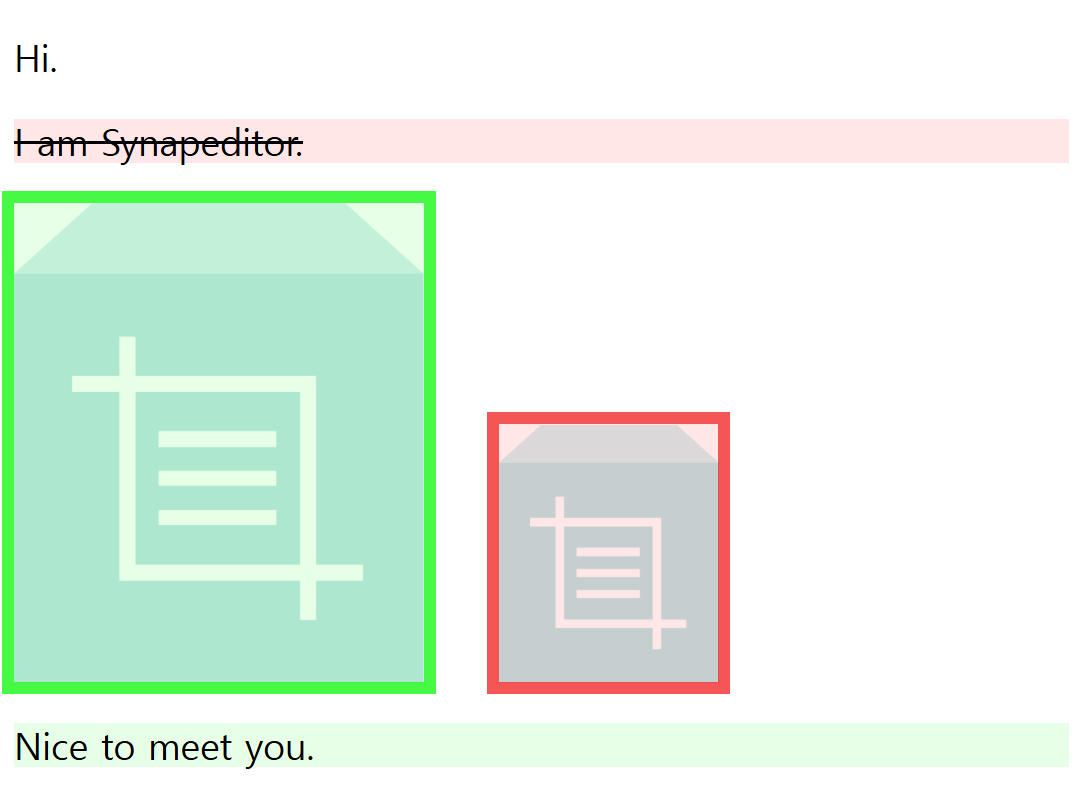
Compares two editor Body models and returns HTML with the differences highlighted.
The Body model can be obtained via getBodyModelJSON.
Parameters:
<table> <thead> <tr><th>Name</th><th>Type</th><th>Description</th></tr> </thead> <tbody> <tr> <td><code>beforeBodyModel</code></td> <td>Object | String</td> <td>Body model JSON Object or JSON String.</td> </tr> <tr> <td><code>currentBodyModel</code></td> <td>Object | String</td> <td>Body model JSON Object or JSON String.</td> </tr> <tr> <td><code>options</code></td> <td>Object</td> <td>Release 2.18.2409 and above, Release 3.0.2409 and above.
Sets options.
example
{
    /*
     * Sets the color used to indicate the differences.
     */
    style: {
        // The color and border color shown on changed parts.
        edit: { color: {string}, borderColor: {string} },
        // The color and border color shown on removed parts.
        delete: { color: {string}, borderColor: {string} }
    }
}
Return:
| Type | Description |
|---|---|
| String | HTML with the differences between the two models highlighted. |
Example1:
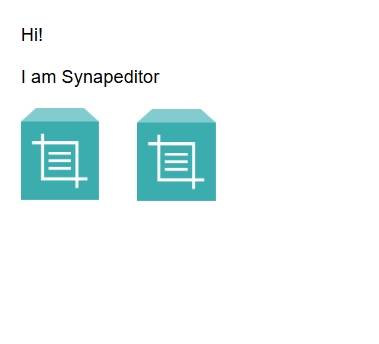
<table> <thead> <tr><th>Before model</th><th>After model</th></tr> </thead> <tbody> <tr> <td>
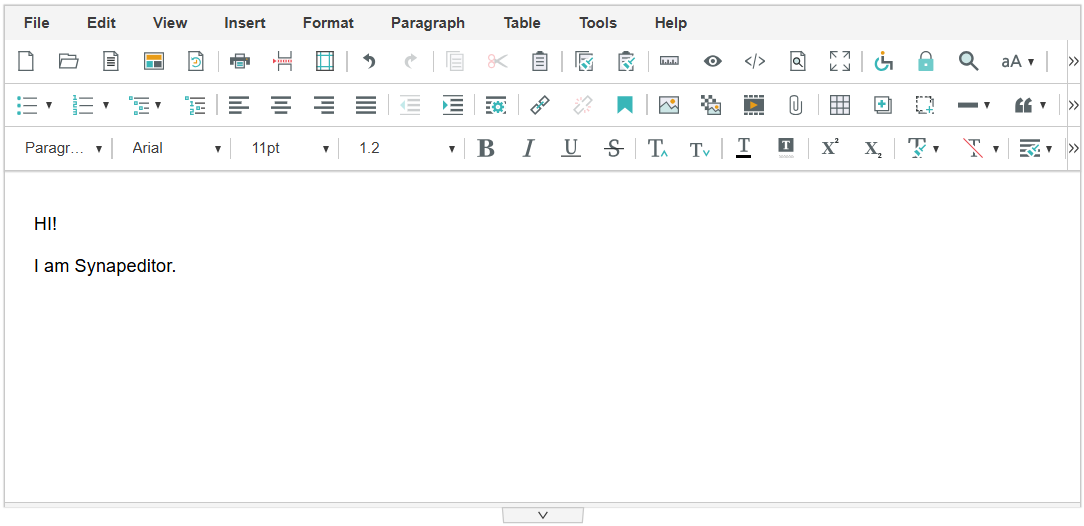

// Hello.
var beforeBodyModel = editor.getBodyModelJSON();
// Hello.
// This is Synap Editor.
var currentBodyModel = editor.getBodyModelJSON();

var result = editor.getModelDiffHTML(beforeBodyModel, currentBodyModel);
Result HTML
'<div class="se-contents" role="textbox" style="box-sizing: content-box; font-family: "Malgun Gothic"; font-size: 11pt; line-height: 1.2;" data-document-padding-top="18" data-document-padding-bottom="18" data-document-padding-left="23" data-document-padding-right="23"><style>a:not(#se-t #se-tt) { pointer-events: auto !important; } .se-diff { position: relative; } .se-diff:not(a):not(.se-div):after { content: ''; position: absolute; width: 100%; height: 100%; top: 0; left: 0; } .se-diff.se-diff-edited:after { background-color: rgba(221, 255, 221, 0.70); } .se-diff.se-diff-deleted:after { background-color: rgba(255, 221, 221, 0.70); } .se-diff.se-diff-deleted:not(a) { text-decoration: line-through; } .se-div.se-diff.se-collabo-edited { background-color: rgba(221, 255, 221, 0.70) !important; } .se-div.se-diff.se-collabo-deleted { background-color: rgba(255, 221, 221, 0.70) !important; }</style><p style="margin: 16px 0px; display: block; overflow-wrap: break-word;"><span>Hello.</span></p><p class="se-diff se-diff-edited" style="margin: 16px 0px; display: block; overflow-wrap: break-word;"><span>This is Synap Editor.</span></p></div>'
Example2:
var beforeBodyModel = editor.getBodyModelJSON();
// Perform edit actions
var currentBodyModel = editor.getBodyModelJSON();

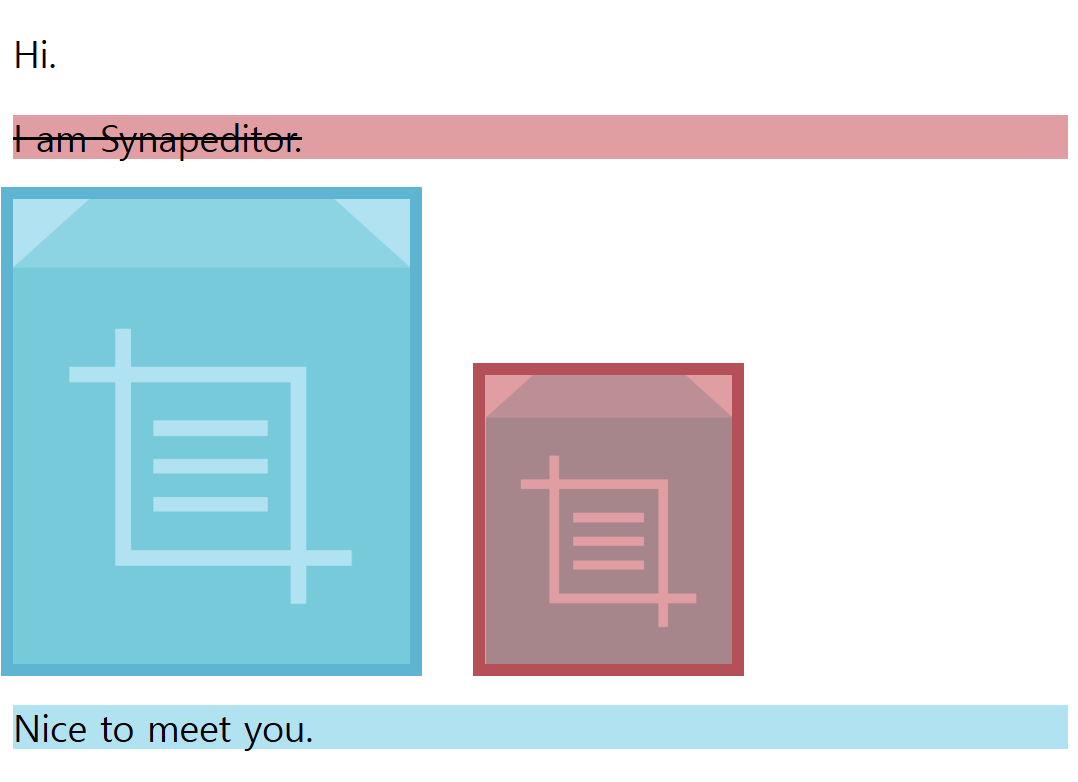
var options = {
    style: {
        edit: {
            color: 'rgba(144, 213, 235, 0.7)',  // default: 'rgba(221, 255, 221, 0.7)'
            borderColor: 'rgb(93, 181, 209)'    // default: 'rgba(0, 246, 0, 0.7)'
        },
        delete: {
            color: 'rgba(211, 117, 124, 0.7)',  // default: 'rgba(255, 221, 221, 0.7)'
            borderColor: 'rgb(182, 80, 88)'     // default: 'rgba(239, 24, 24, 0.7)'
        }
    }
};

var result = editor.getModelDiffHTML(beforeBodyModel, currentBodyModel, options);